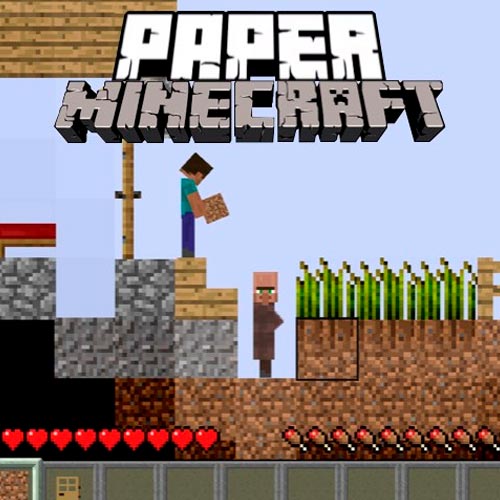
Paper Minecraft - 2D Sandbox Survival Simulator Game
Paper Minecraft is a 2D adventure and sandbox game inspired by the original Minecraft experience. Created in Scratch by Griffpatch, this browser game turns classic block-building survival into a side-scrolling world similar to Terraria while keeping the familiar Minecraft feeling players love. Mine blocks, craft tools, explore biomes, farm resources, and build massive structures directly in your browser with no downloads or installation.
Play Paper Minecraft in Creative or Survival Mode
Paper Minecraft gives players two clear ways to enjoy the sandbox simulator experience. Creative Mode lets you build freely with unlimited resources, while Survival Mode challenges you to gather materials, craft equipment, find food, and protect yourself from nighttime dangers. Whether you want relaxed building or classic survival gameplay, Paper Minecraft makes it easy to start instantly online.
Mastering the Puzzles: Paper Minecraft Video Walkthrough
To help you fully immerse in the Paper Minecraft experience, we've provided a step-by-step gameplay video showing the most efficient way to solve these mysteries.
2D Minecraft-Style Sandbox Adventure
Paper Minecraft brings mining, crafting, building, farming, and exploration into a side-scrolling 2D sandbox world. The simple Scratch-style graphics keep the game lightweight while still delivering the familiar block-building fun of Minecraft.
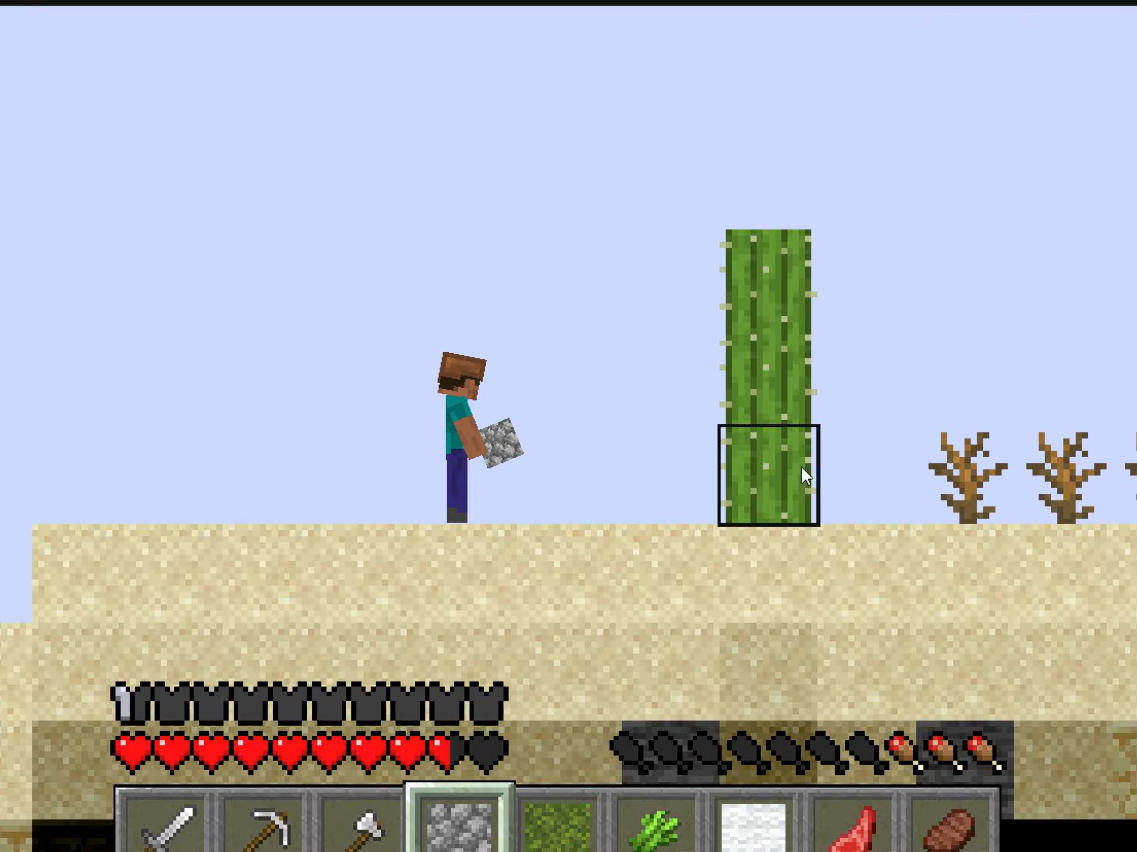
Explore a 2D Minecraft-style world built for mining, crafting, and building.
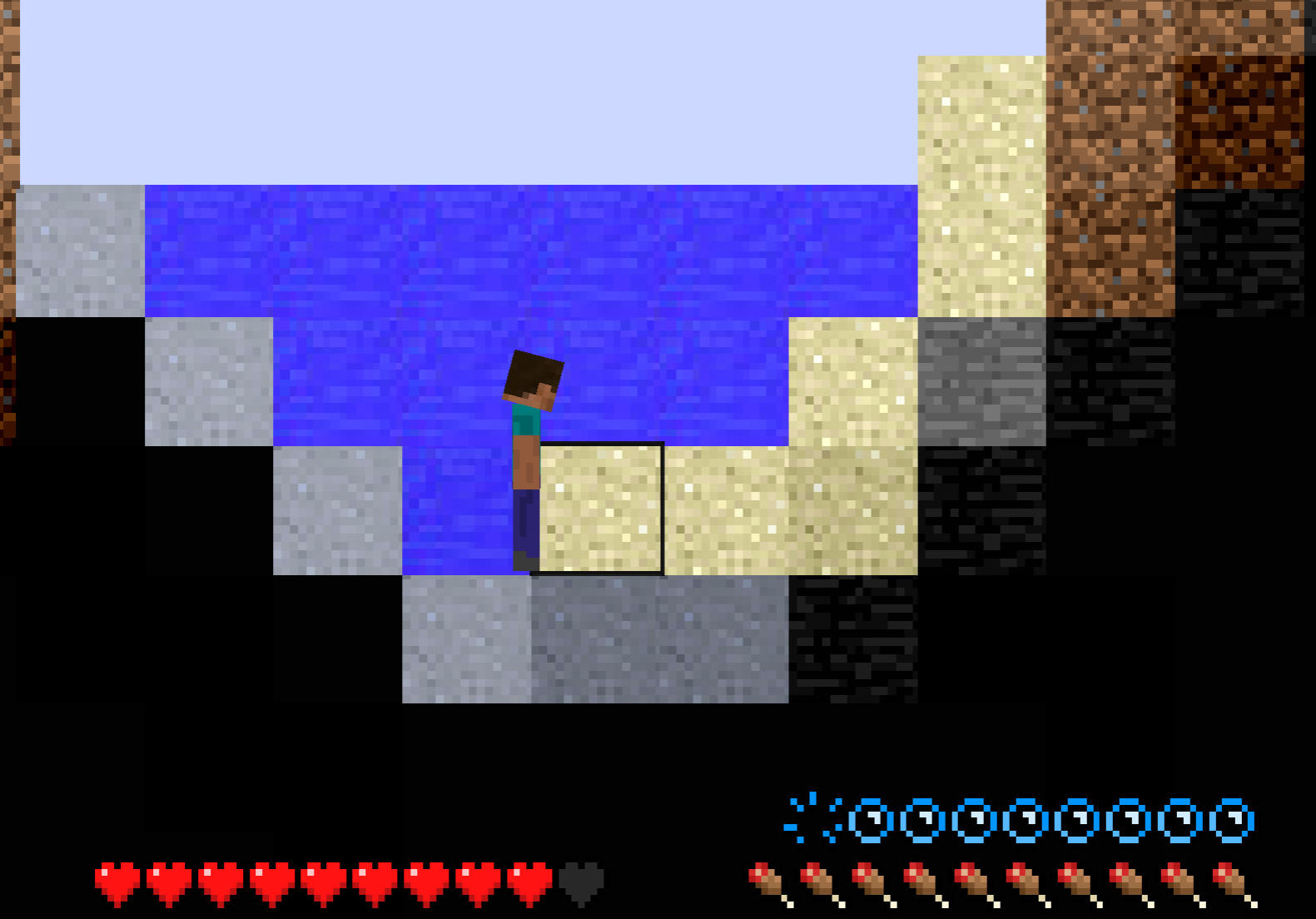
Gather wood, mine stone and ores, craft tools, and survive after dark.
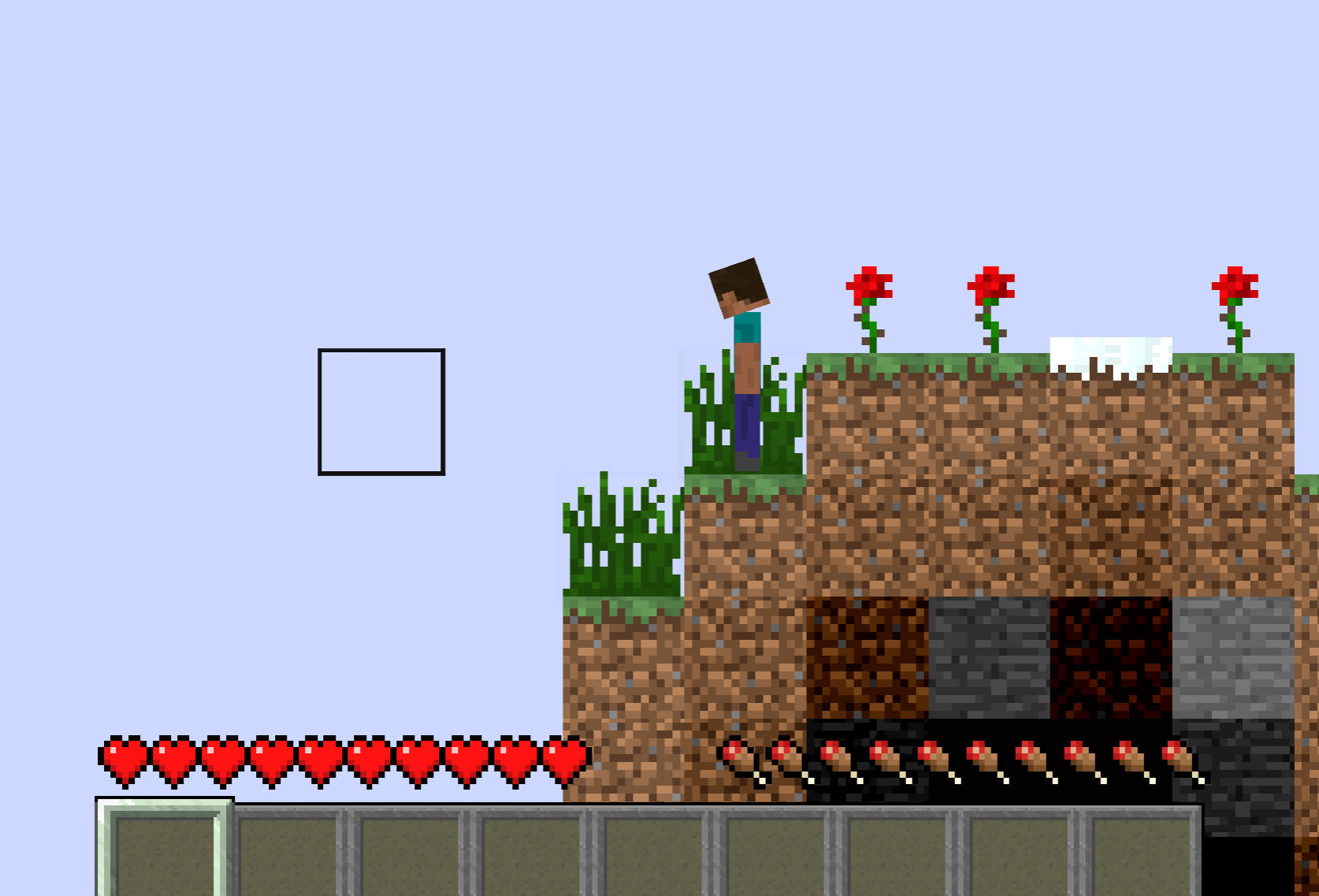
Use Creative Mode to build houses, bases, towers, and entire worlds freely.
Creative Mode for Free Building
Creative Mode is perfect for relaxed building sessions. You start with unlimited blocks, tools, and materials, so you can experiment with houses, underground bases, towers, farms, and custom worlds without worrying about monsters or hunger.
Survival Mode With Classic Resource Progression
Survival Mode begins with almost nothing. Collect wood, mine stone and ores, craft tools, gather food, and build shelter before night arrives. Managing resources and staying safe create the familiar survival loop that made Minecraft famous.
Instant Browser-Based Simulator Gameplay
Because Paper Minecraft runs directly in your browser, you can jump into a lightweight sandbox simulator without downloads. It is easy to open, quick to learn, and flexible enough for short building breaks or longer survival adventures.
How to Play Paper Minecraft
Move, Jump, and Explore
Use A and D or the Left and Right Arrow keys to move through the 2D world. Press W or the Up Arrow key to jump across blocks, caves, hills, and biome terrain.
Mine and Place Blocks
Use the left mouse button to dig blocks, collect materials, or place blocks while building. This is the core action for mining resources, shaping terrain, and creating structures in Paper Minecraft.
Open Inventory and Craft Items
Press E to open your inventory or chests. Use crafting recipes to turn wood, stone, ores, and other materials into tools, equipment, building blocks, and survival items.
Eat, Hold, and Manage Items
Press F to eat food or hold selected items when needed. Use the Spacebar to split items while crafting, especially when managing resources in Survival Mode.
Prepare Before Nightfall
Start gathering wood immediately, craft basic tools, and build shelter before night. Monsters become dangerous after dark, so save valuable coal, iron, and food as your survival world grows.
Paper Minecraft is worth playing because it captures the creative freedom and survival challenge of Minecraft in a simple 2D browser format. It works well for players who enjoy sandbox simulator games, crafting games, building games, mining adventures, and survival worlds that can be played instantly online.
Play Paper Minecraft online today, choose Creative Mode or Survival Mode, mine resources, craft tools, build shelters, explore biomes, and create your own 2D sandbox adventure.