Prehistoric Farm (Roblox) · Independent guides
Prehistoric Farm Guide: How to Get Started
Dig up fossils, turn matching sets into DNA eggs, and raise your first prehistoric creature. Here's where to start.
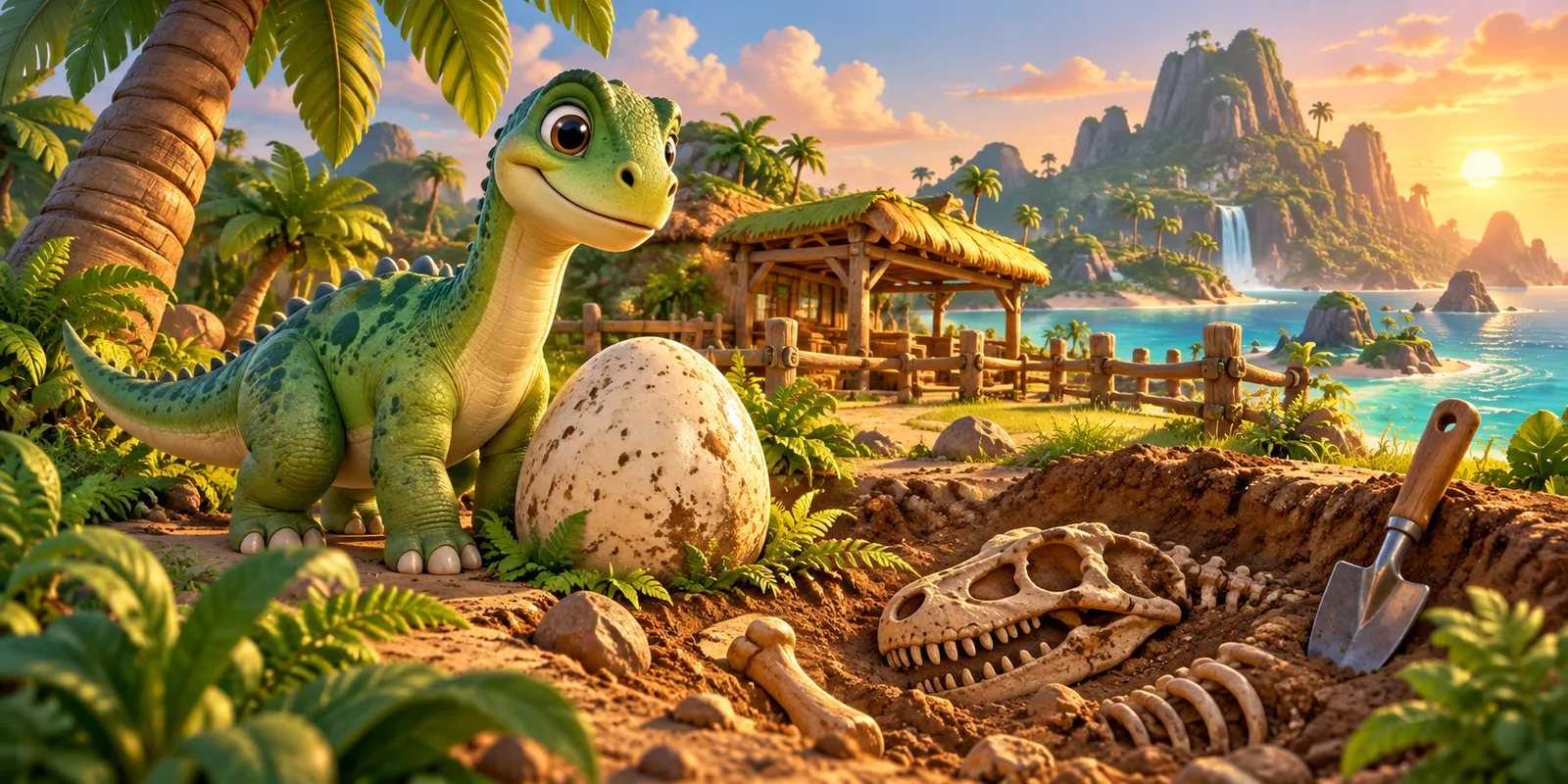
The five-step beginner route
Follow the route from your first dig to a creature you can raise. Keep fossil pieces matched to one creature at a time.
- Step 1Time your dig
- Step 2Match the fossils
- Step 3Make a DNA egg
- Step 4Incubate & hatch
- Step 5Feed & raise
- Find a Dig Site. Equip your starter shovel and approach a marked dig location. Hold to start the dig and try to release when the indicator enters the green section. Watch the on-screen prompts, because the timing sequence can involve multiple rounds.
- Collect a matching fossil set. Do not assume five fossils of any kind will work. The DNA Lab requires the pieces for a particular creature. On the currently documented Cambrian and Devonian records, the requirement is five pieces per creature; documented Triassic creatures require three.
- Visit Dr. Ivy's DNA Lab. Return to Home Island and check whether your selected creature's fossil set is complete. Follow the DNA Lab prompt to create the matching egg.
- Incubate and hatch the egg. Use an available incubator and follow the in-game hatch process. Do not rely on generic hatch timers online: egg sizes, upgrades, and patches can change the result.
- Feed and raise the creature. The official game description says to keep your dinosaur's belly above half full to help it grow. Once it reaches the appropriate growth stage, it can become a rideable companion.
What should you upgrade first?
Your next goal is not necessarily the most expensive shovel. Think about both sides of exploration: your boat affects where you can travel, while your shovel affects where you can dig. Before spending Coins, check the shovel upgrade guide, confirm the materials you already own, and decide which island is your next target. Selling unwanted finds can help fund upgrades, but keep the pieces needed for a DNA set.
Learn the islands without getting lost
Home Island is your practical starting point for the lab and shops. Cambrian comes early; Devonian and Triassic introduce more creatures and different material sources. Later areas, underwater locations, and boss encounters require their own progression. Use the island map for named landmarks rather than treating all islands as interchangeable dig sites.
Track the right fossils
Some creature sets contain three pieces and others five. An easy mistake is counting all fossils together instead of recording them per creature. Open the Fossil Tracker, select a documented creature, and mark each piece as you collect it. The tracker stores your choices on this device only; it does not read your Roblox inventory.
Free codes and common mistakes
Check the codes page for recently reported rewards, then try each code in the current game interface. Code reports become stale quickly, so a published string is not a promise that it still redeems. Common beginner mistakes include using the wrong fossil set at the lab, saving up for a shovel without the materials, and forgetting to feed a growing dinosaur.
Where to play
Prehistoric Farm is a dinosaur-raising simulation experience on Roblox by Project Mirvy. Instead of planting ordinary crops, you travel between islands, dig for fossils, build complete fossil sets, and take them to Dr. Ivy's DNA Lab. There, you can turn a completed set into an egg, hatch a prehistoric creature, feed it, and gradually grow your ranch. This guide follows the game's core loop so you can make your first dinosaur without wasting time on the wrong upgrade.
Prehistoric Farm is played inside Roblox, not in the Simulation Games embedded browser player. Use the official Play Prehistoric Farm on Roblox page. This guide is an independent player resource and is not affiliated with Roblox or Project Mirvy.
Frequently asked questions
- Can I play Prehistoric Farm here? No. This website provides independent guides and tools; the playable game is on Roblox.
- Where do I make dinosaur eggs? At Dr. Ivy's DNA Lab on Home Island after collecting the matching fossil set.
- How many fossils do I need? Documented Cambrian and Devonian creatures need five, while documented Triassic creatures need three. Check the current game for new areas or patch changes.
- Is the Fossil Tracker automatic? No. Progress is entered manually and saved locally in your browser.
Sources and evidence
This is an independent player resource, not affiliated with Roblox or Project Mirvy. Official facts cover the core game loop; collection and equipment values are source-reported. We have not independently tested codes or captured a Roblox gameplay session.
View the source ledger 8 references
- Official Roblox experienceofficial · Reviewed 2026-10-13
Creator, core gameplay and supported devices reviewed on the official page.
- Fossils and DNA referencesource-reported · Reviewed 2026-10-13
Third-party capture reference; not our own gameplay evidence.
- 34 documented creature recordssource-reported · Reviewed 2026-10-13
Third-party directory reviewed; coverage is 6 Cambrian, 8 Devonian and 20 Triassic records.
- Island and NPC referencesource-reported · Reviewed 2026-10-13
Approximate directions only; travel requirements are not independently confirmed.
- Captured shovel shop referencesource-reported · Reviewed 2026-10-13
Shop data reviewed. Pacific material quantities are not recorded.
- Wiki code reportssource-reported · Reviewed 2026-10-13
Lists five recent codes; calls four older codes expired. This conflicts with Beebom.
- Pro Game Guides code reportunconfirmed · Reviewed 2026-10-11
October 11 seed supplied in the editorial package. October 13 access returned 403; not reverified.
- Beebom code reportsource-reported · Reviewed 2026-10-13
Article updated October 12. WEDIDIT reward is unspecified here; four older codes conflict with the wiki.